
Monitor एक output device है जो computer से processed data (text, images, video) को visual form में दिखाता है। Technician के लिए इसके internal components और faults को समझना ज़रूरी है ताकि सही diagnosis और repair हो सके।
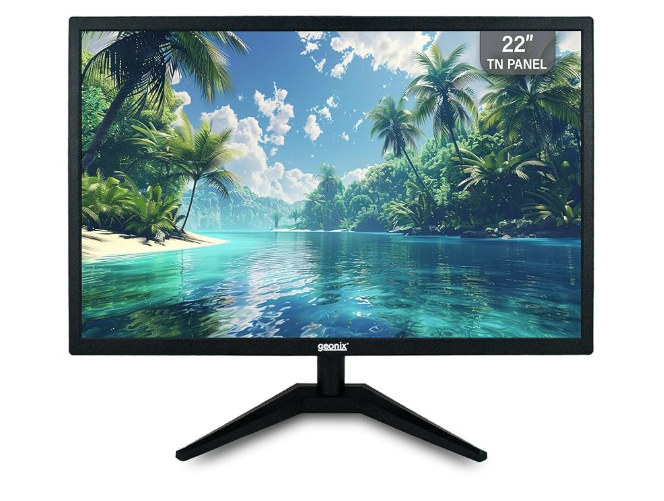
1. Main Parts of a PC Monitor
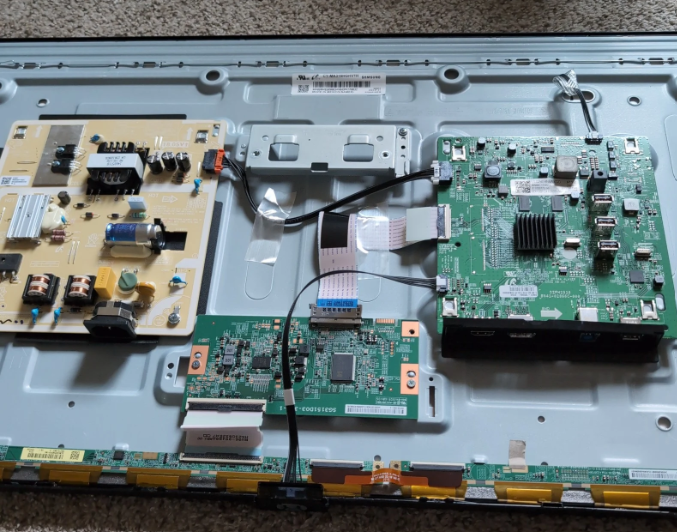
| Part | Description |
| Display Panel | LCD, LED, OLED/QLED – Image दिखाने वाला हिस्सा |
| Backlight System | LED या CCFL lamps + reflector sheets – Panel को रोशनी देता है |
| Power Supply Board (SMPS) | AC को DC में convert करता है – 5V, 12V, 24V |
| Main Board / Logic Board | Video signal process करता है – VGA/HDMI/DP input, OSD menu |
| T-CON Board | Pixel timing control करता है – Horizontal/vertical sync |
| Backlight Inverter / LED Driver | CCFL के लिए high-voltage AC या LEDs के लिए constant DC |
| Control Buttons / OSD Keypad | Power, brightness, menu control |
| Cables and Connectors | LVDS/eDP cable, VGA/HDMI/DP ports, power connector |
| Speaker (Optional) | Audio IC से connected – कुछ monitors में built-in |
| External Body Parts | Bezel, back cover, stand/base, VESA mount holes |
2. Technician Repair Tips
| Problem | Cause | Solution |
| Power LED ON, no display | T-CON या backlight issue | Torch test करें, LED strip या T-CON replace करें |
| Monitor turns off after 2 sec | Faulty LED/CCFL या driver | LED strip या inverter/driver IC replace करें |
| No power at all | SMPS failure, fuse blown | Fuse, MOSFET, capacitors चेक करें |
| Distorted colors / lines | LVDS cable या T-CON fault | Cable या T-CON board replace करें |
3. How to Repair a PC Monitor – Step-by-Step
Tools Needed
- Multimeter
- Screwdriver set
- Soldering iron + wire
- Hot air gun (SMD repair)
- ESR meter (capacitor test)
- Insulation gloves (CCFL safety)
Step-by-Step Process
Step 1: Initial Check Monitor को working PC और power cable से connect करें Observe करें:
- Power LED behavior
- Torch test से faint image
- Backlight glow
Step 2: Visual Inspection Back cover खोलें और चेक करें:
- Burnt smell
- Bulged/leaking capacitors
- Loose connectors
Step 3: SMPS Test Multimeter से DC output चेक करें (5V, 12V, 24V) No voltage?
- Fuse
- Bridge rectifier
- PWM IC
- Capacitors replace करें
Step 4: Backlight Check Power LED ON है लेकिन screen black है?
- Torch से faint image दिखे तो backlight issue
- LED driver या inverter output चेक करें
- LED strip या CCFL tube replace करें
Step 5: T-CON & Mainboard Test Backlight ON है लेकिन image नहीं है?
- LVDS/eDP cable connection चेक करें
- T-CON fuse और voltage supply चेक करें
- T-CON या scaler IC replace करें
Step 6: Final Assembly & Testing Dust साफ करें, monitor reassemble करें PC से connect करके resolution, brightness, color test करें
4. Safety Tips
- SMPS parts को छूने से पहले capacitors discharge करें
- CCFL inverter high-voltage देता है – gloves पहनें
- First power-on के लिए series bulb tester use करें
- Boards handle करते समय anti-static precautions लें
5. Panel Replacement Guide
Identify Panel Model
Monitor खोलें और panel के पीछे sticker देखें Examples:
- LP156WH4 (LG)
- B156XW02 (AUO)
- LM215WF3 (LG 21.5″)
Note करें:
- Brand
- Model
- Resolution
- Connector type (LVDS/eDP)
Where to Buy Replacement Panels
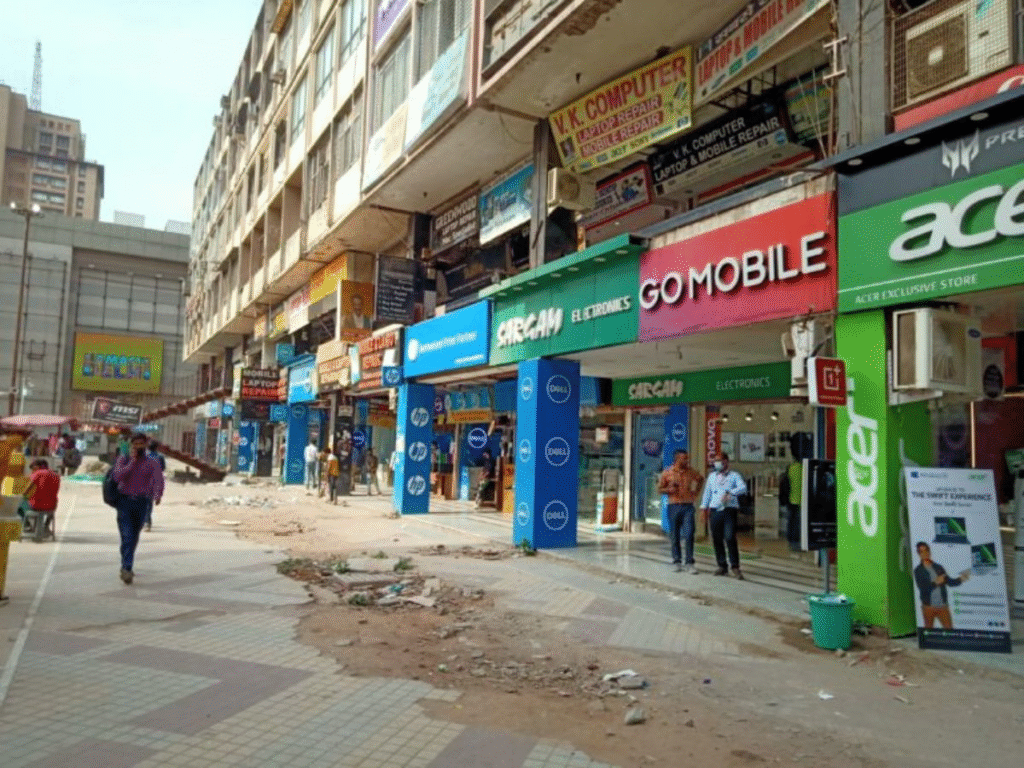
A. Local Sources
- Nehru Place (Delhi)
- Lamington Road (Mumbai)
- Chandni Chowk (Kolkata)
- Scrap markets और repair shops
B. Online Sources
- Amazon / Flipkart
- eBay / AliExpress
- LaptopScreen.com
- PanelStock.in
- Panelook.com – Specs only
C. Salvaging from Old Devices
- Dead monitors/laptops से compatible panel निकालें
- Size, resolution, connector match करें
Technician Tips
- Panel size, resolution, connector type match करें
- Panel fragile होता है – handle with care
- Fit करने से पहले test करें – no lines, flicker, dead pixels