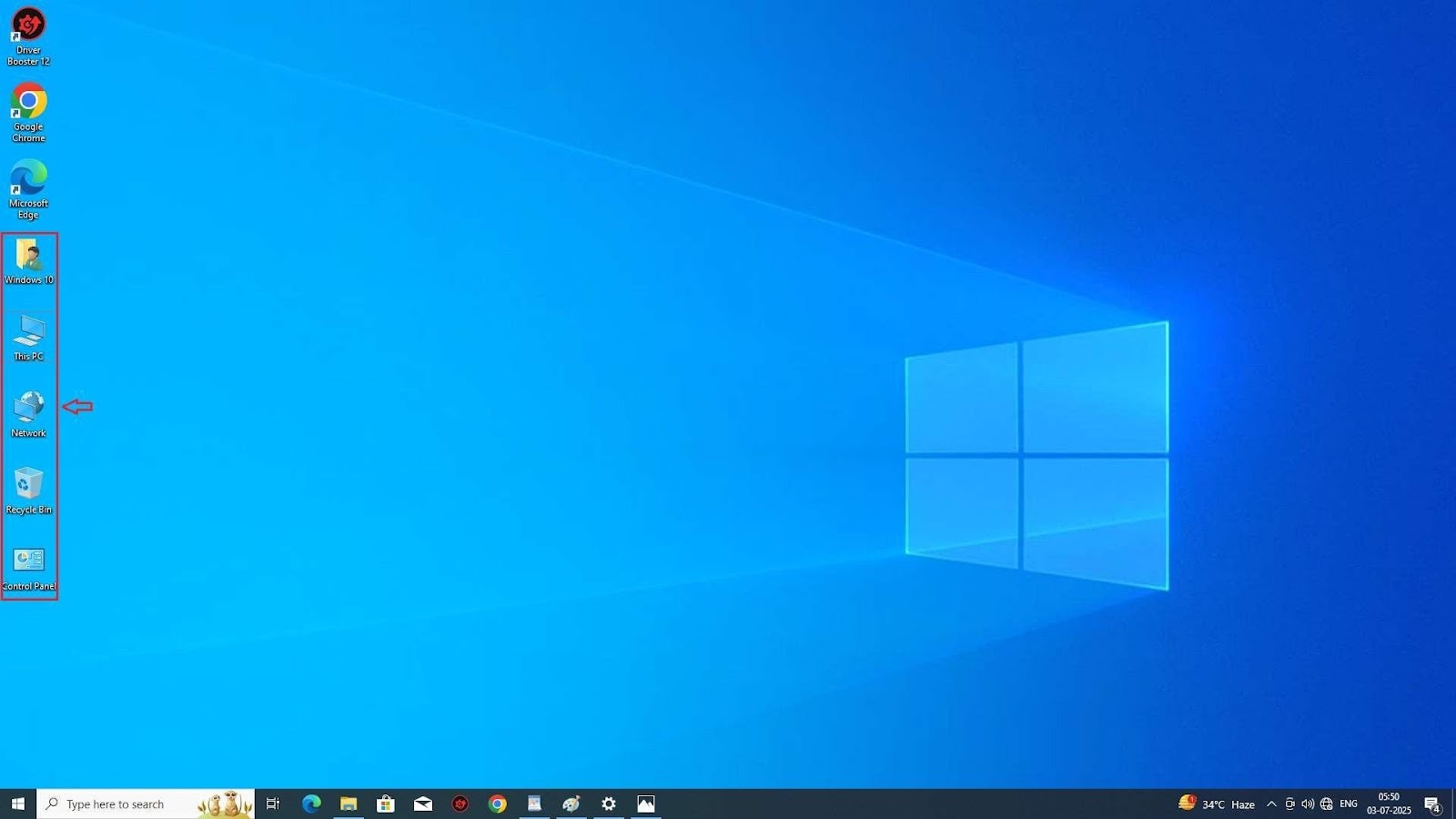
Note : Desktop icons customization feature is available only for licencsed windows. This setting is locked for trial or un-licencsed windows. So to customize deksktops icons in windows 10 your windows license key is must activated
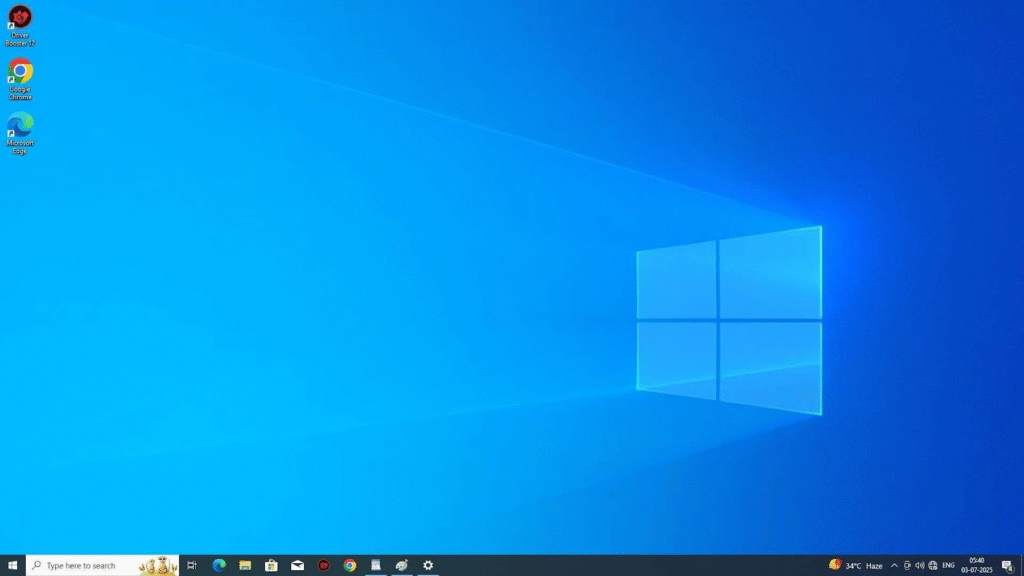
Open your desktop, then press the right click of your mouse.
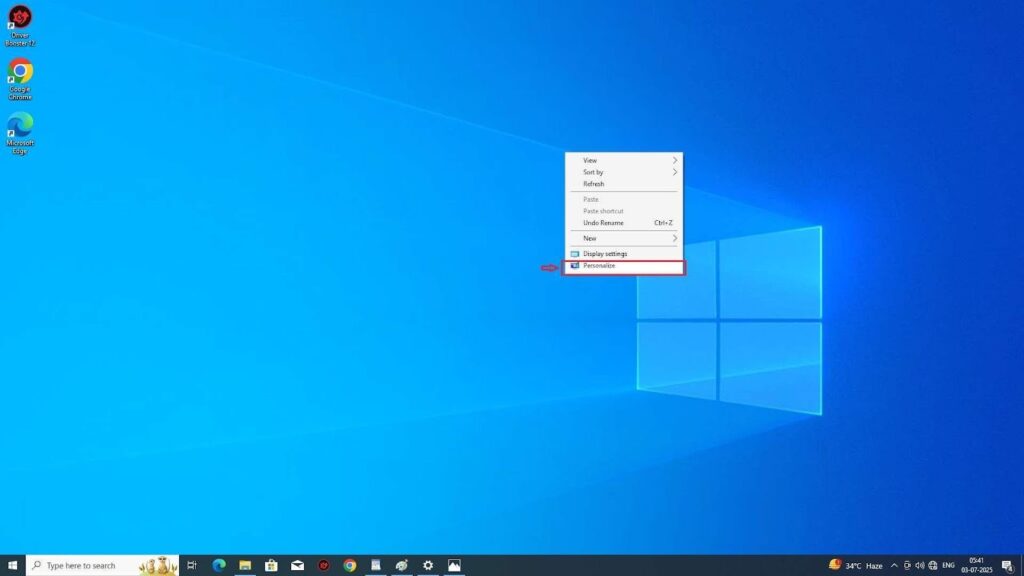
Go to personalize settings.
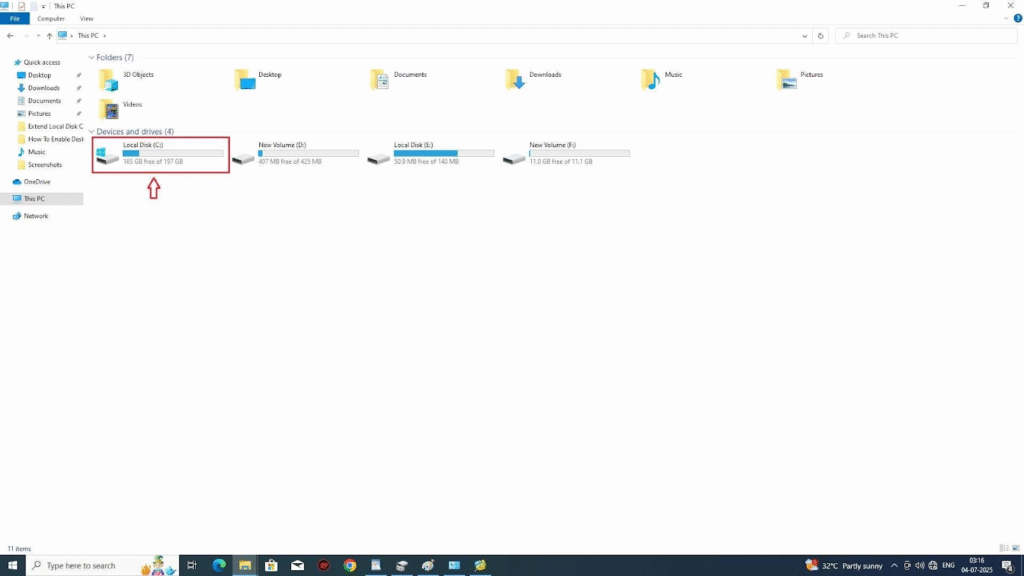
in the left side bar, find the theme setting, then click on it.
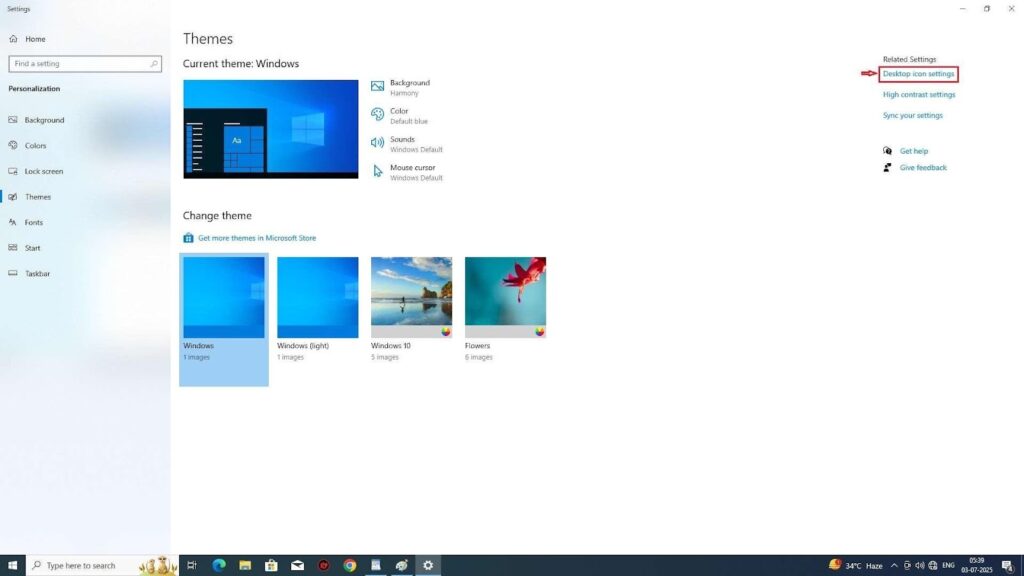
Then in the right side bar, in the related settings section, find desktop icons settigs, then click on it.
You can choose your desire icons, by simply click on checkbox of that icon.
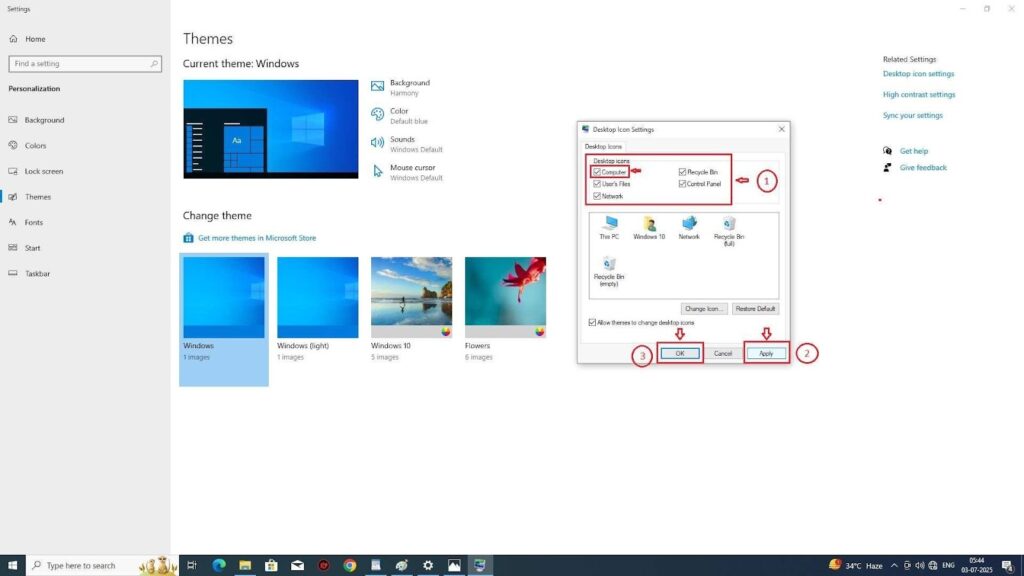
I had clicked on all these icons – computer, recycle bin, user’s file, control panel, network. Then click on apply, and finally click on the ok button.
After that simply close themes setting, by close button, as shown in above picture.
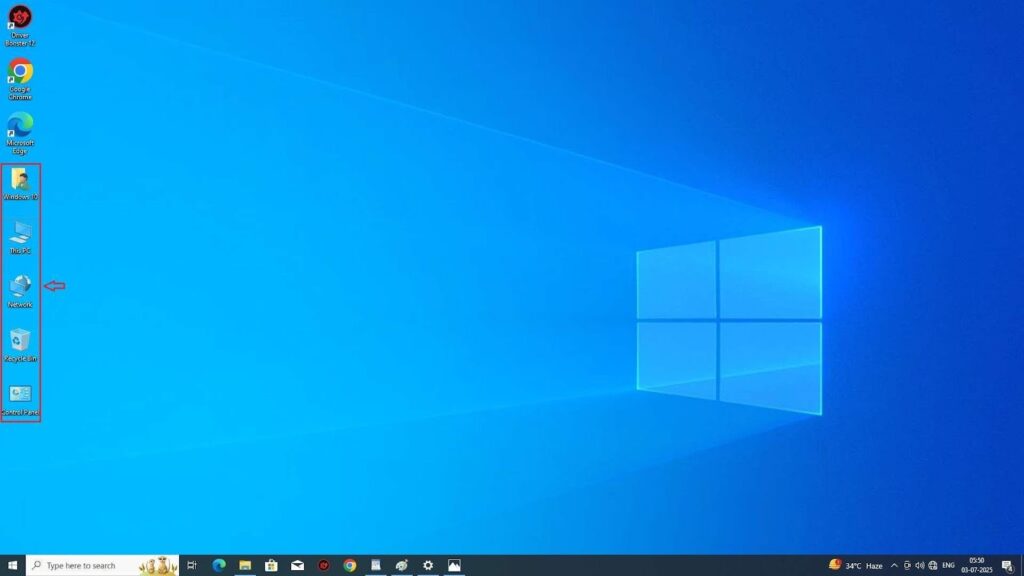
Congratulations, now all the desktops icon you want is on your desktop dashboards.
If you still need any help, then message me on this whatsapp number – +918207574090.